

The lead (CTO)
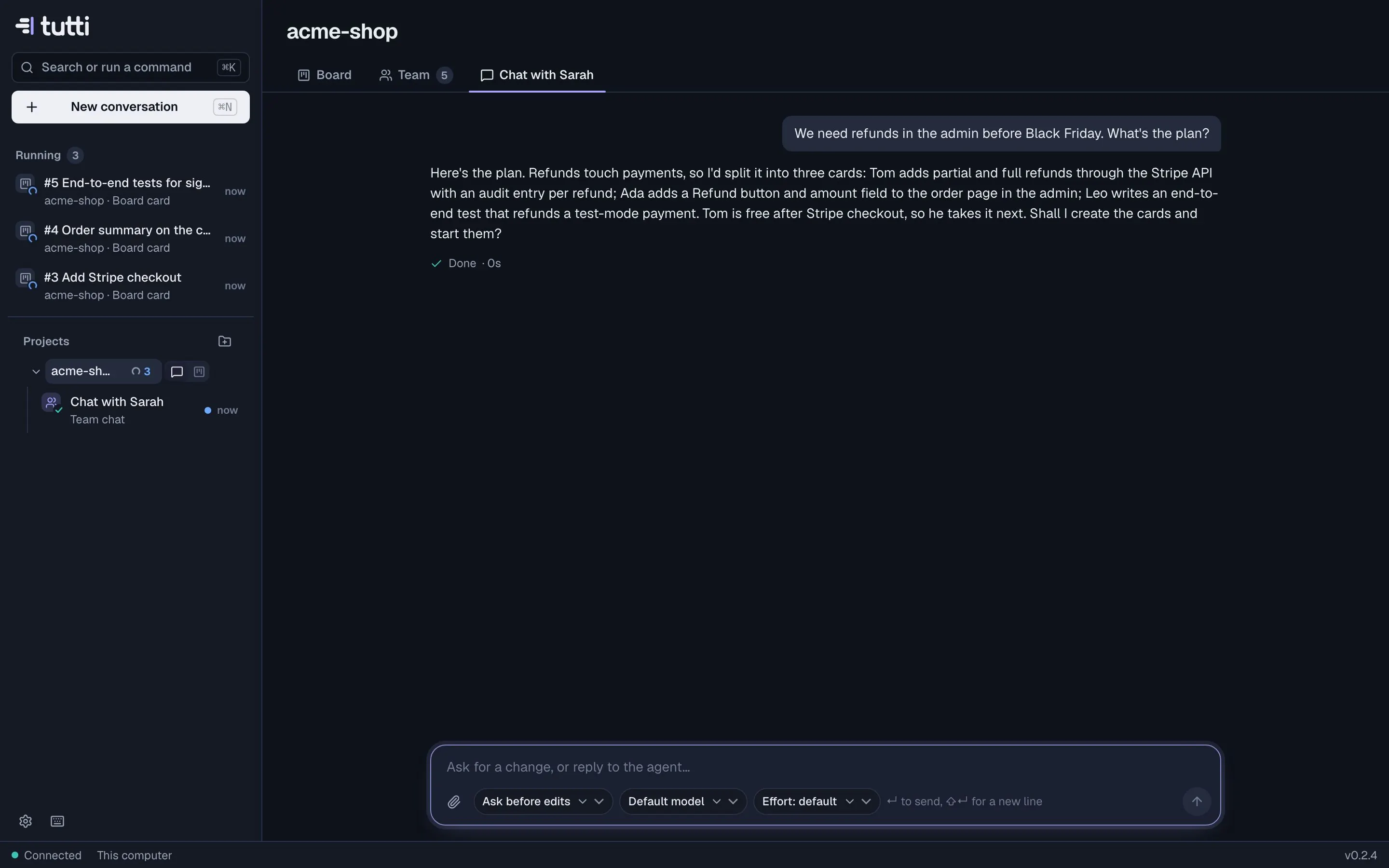
The lead is the teammate you talk to. It plans, splits the work into cards, puts the right teammates on them and keeps the board moving. For a software team the lead is shown as the CTO; other teams call it the lead.
What the lead does
- Plans with you. Tell it a goal, a feature or a bug. It looks at the project and the board, asks what it needs to know, and proposes a plan.
- Creates and assigns cards. It turns the plan into cards, picks who takes each one (the teammate whose role and strengths fit best) and can start them.
- Changes the board. In chat it can start a card, park it back in Backlog, close it, reassign it, retitle it or rewrite its description.
- Answers on cards. With Team picks up clear cards on, it looks at new Backlog cards and your comments: clear cards start on their own, and questions get an answer from whoever fits best.
- Grows the team when the work needs it, if you allow that in Settings.
Where to find it
- On the project page: Chat with Sarah (⌘3), with your lead's name.
- From anywhere: ⌘N, choose the project and Team as who it's for.
- On a card: Ask the lead to Grill it (questions, gaps and risks before anyone starts), Improve it (a rewrite with acceptance criteria; the old text stays in the activity) or Split it into smaller Backlog cards.
The lead and you
You're the product owner. The lead plans and coordinates, but it asks you when there's a real choice, and nothing it or the team does is merged without your approval. If you'd rather decide everything yourself, turn off Team picks up clear cards and move cards to Ready by hand.
More: Talking to the lead.
Something missing or unclear? Ask us, and we'll answer and improve this page.